

Progressive Web App (PWA)
Last updated October 28, 2026
Overview
Atlas works as a Progressive Web App (PWA) on iOS and Android. Add it to your phone's home screen and it opens like a native app, full screen and one tap away, so you can handle support from anywhere. There's nothing to download from an app store.
Key Features
- Unified Inbox: Manage conversations from every channel in one inbox, and filter to "My tickets" to see what's assigned to you.
- Replies and internal notes: Answer on the channel the customer used, or leave a private note and mention a teammate.
- Customer Timeline: See the customer's full history in order, including session recordings.
- Compose and settings: Create new tickets and open "App Configuration" or your profile from the main menu.
How to install Atlas on your phone
Choose your device and follow the steps.
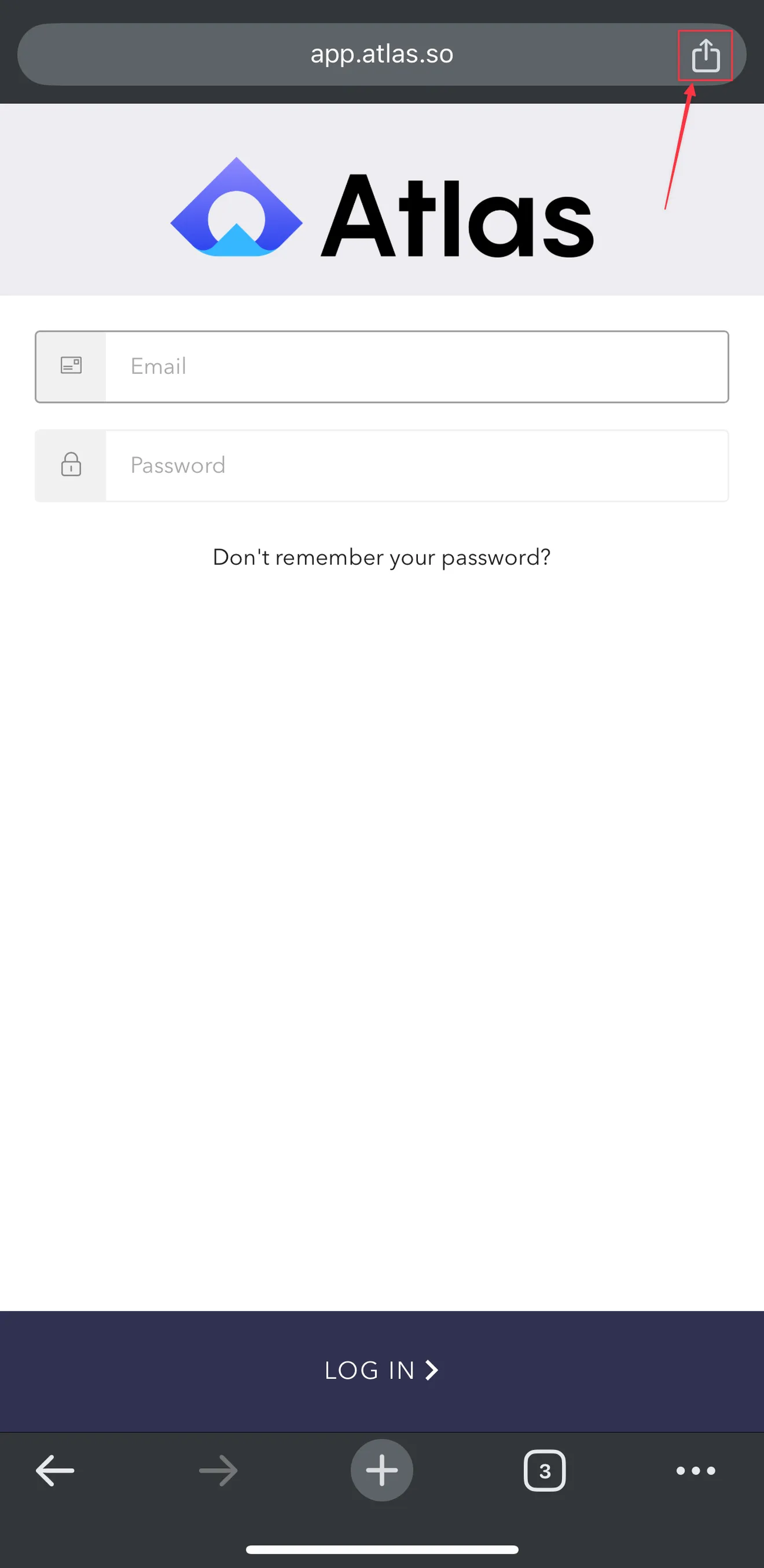
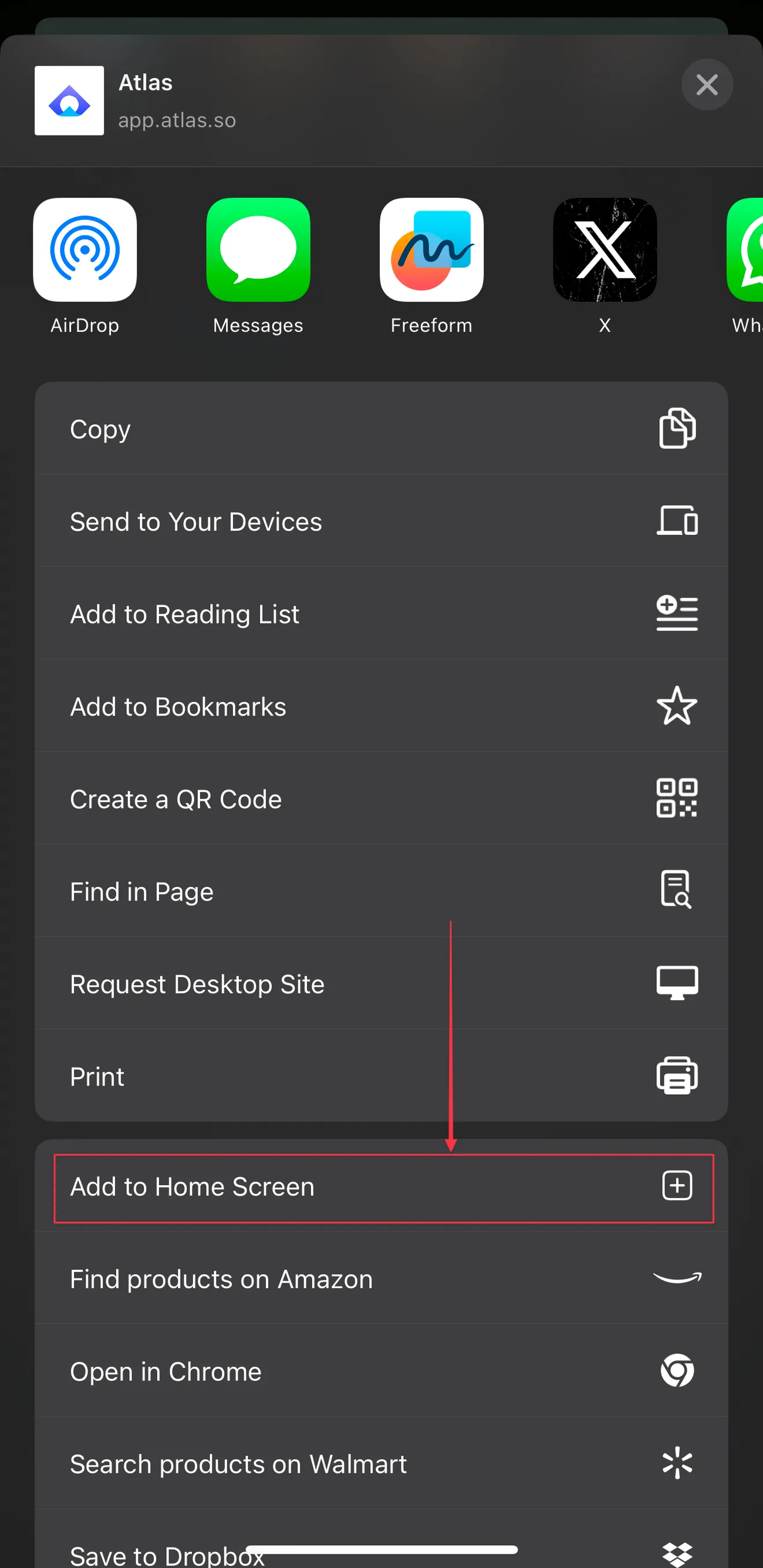
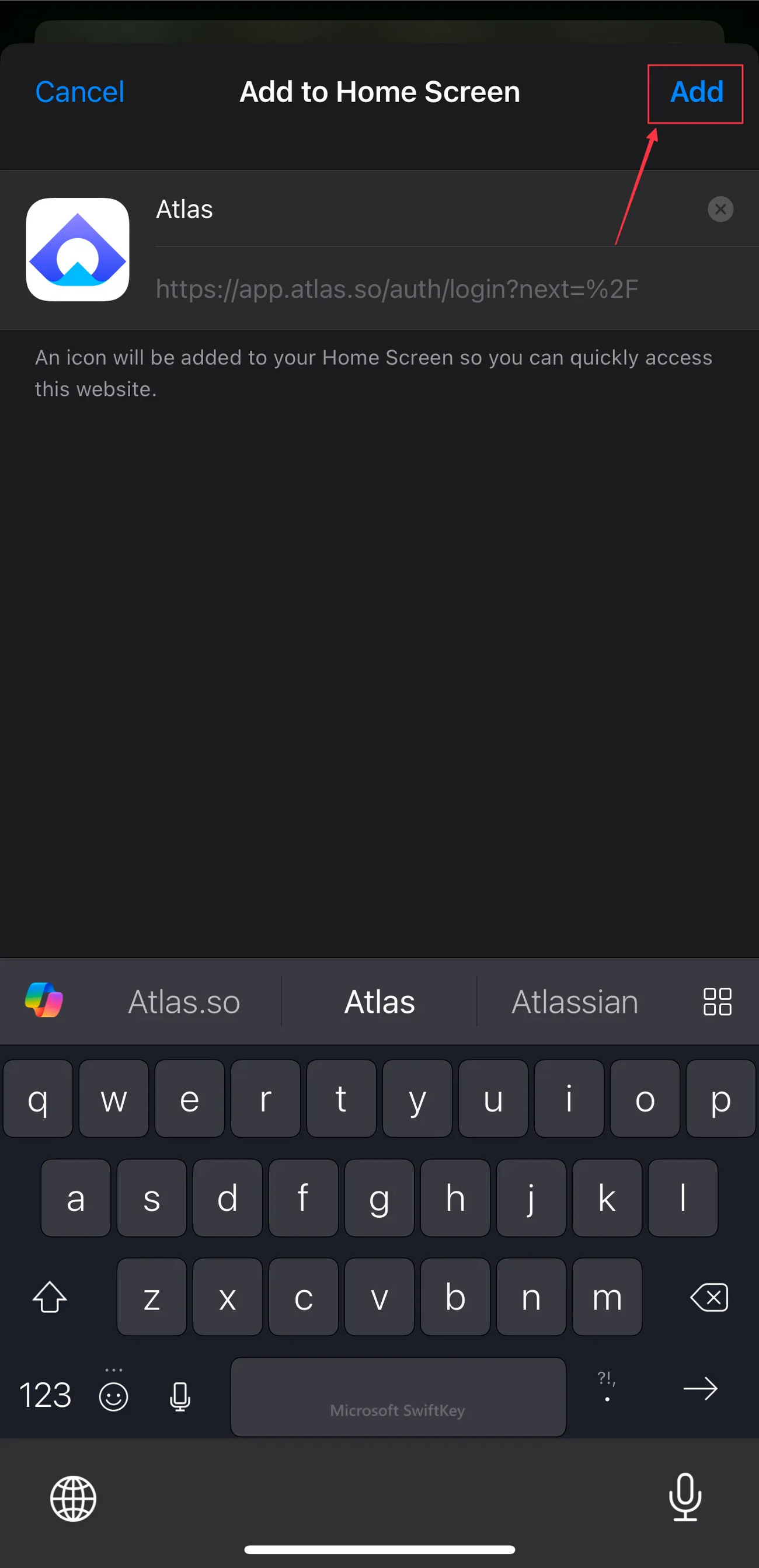
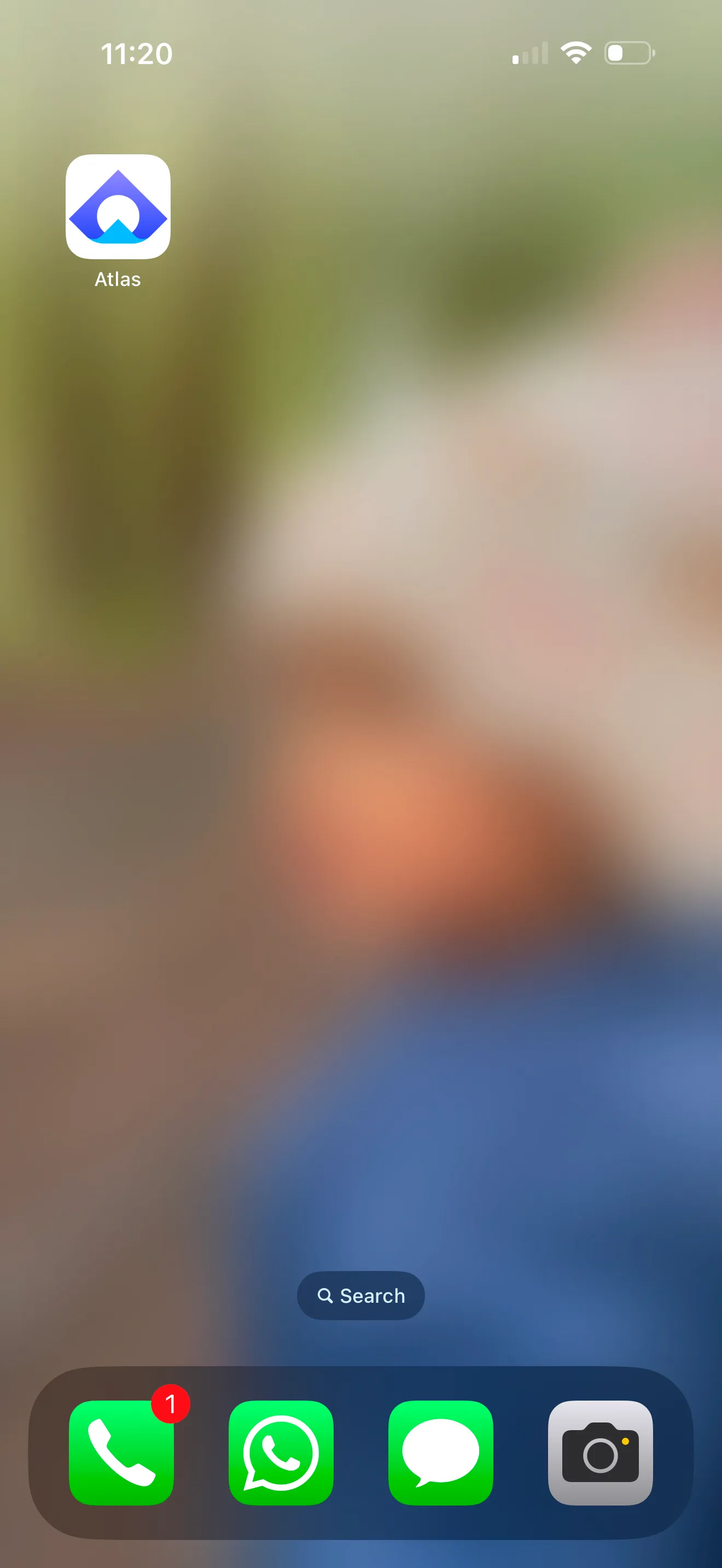


Explore Atlas on mobile
Click through the tour to see what you can do from your phone.
- Sign in with your Atlas email and password.
- Open the view selector at the top of the Inbox and choose a view, for example "My tickets".
- Tap a ticket to open it. Tap the ellipsis icon (⋯) to search and run ticket actions.
- Type in the reply box and tap "Send via Chat", or switch to "Internal note" and tap "Add internal note".
- Scroll the Customer Timeline to review the customer's history and session recordings.
- Tap "Compose" to create a new ticket.
- Tap the main menu (three lines, top left) to open "Session Recording", "Help Center" or "App Configuration".
- Tap your avatar to open your "Profile" or log out.
FAQs & Troubleshooting
I don't see "Add to Home Screen" on my iPhone.
Scroll down in the Share menu. If it's still missing, open app.atlas.so in Safari and try again.
Do I need to update the app?
No. The PWA always loads the latest version of Atlas.
How do I remove the app?
Remove it from your home screen like any other app. Your Atlas account and data aren't affected.
Was this article helpful?