AtlasCustomer portalAPI DocumentationGo to Atlas
Help Center›Zeus AI› Zeus AI: Agent Setup›Learn about key components in Zeus AI native tools

Learn about key components in Zeus AI native tools

Last updated October 23, 2026

Who can use this feature?
Admins and Agents can view and edit. Viewers can't open Zeus AI.
Zeus AI is a paid add-on available for any Atlas plan.

Overview

Native tools are built on a visual canvas with three key components: blocks, connections and branches.

Related articles:
•  How to manage Zeus AI Tools: Create, publish and manage tools.
•  Learn about blocks in Zeus AI native tools: What each block does.

How to work with tool components

BlocksConnectionBranch

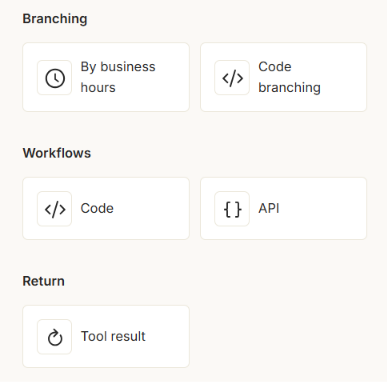
Blocks are the building steps of a Zeus AI tool. Connect them to create the full flow. For details, read Learn about blocks in Zeus AI native tools.

Blocks on the tool canvasBlocks on the tool canvas. Click the image to enlarge.

A connection defines the branch or routing logic between two blocks.
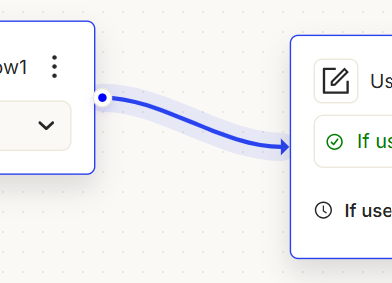
A connection between two blocksA connection between two blocks. Click the image to enlarge.

A branch is one of the possible output points of a block. Branches let you connect blocks to each other.
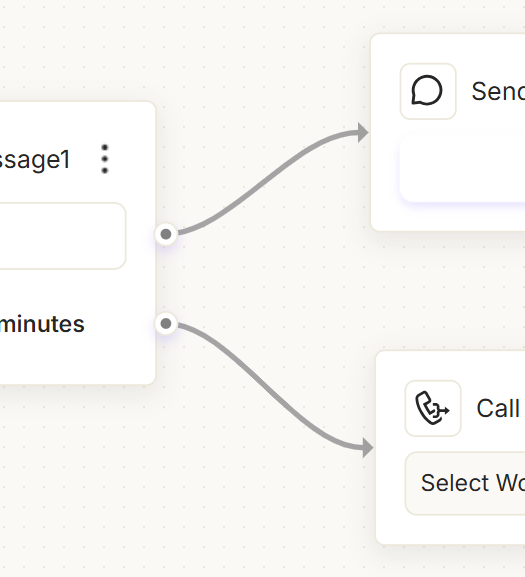
A block's output branchesA block's output branches. Click the image to enlarge.

Was this article helpful?